 Action games
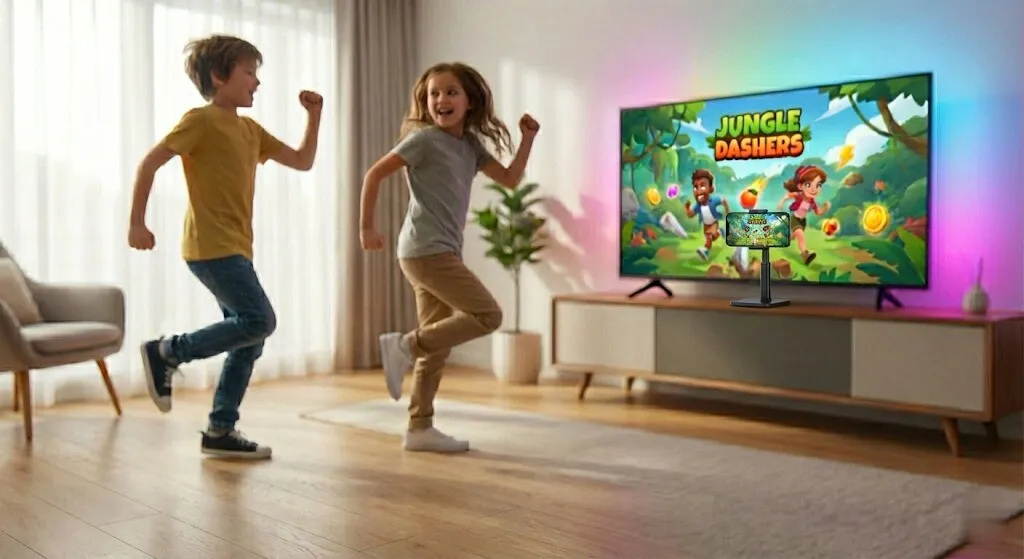
Your body is the controller
Jump, crouch and dance in front of the phone. One device, perfect for the living room.
- 1–2 players
- 1 device

This code comes with your Bontus phone stand. Redeem it in the app to unlock the games included with your stand.
Scan the QR code on the sticker inside your Bontus phone stand box, or type the code below.
----
Copy the code, open Bontus Game Center and paste it into “Redeem code”. You can also type it by hand in the app.
Don't have the app yet? Download it for free
Search for Bontus Game Center in your phone or tablet's app store. It's free.
Open the app and sign in with Google Play Games or Apple Game Center.
Copy the code, open Bontus Game Center and paste it into “Redeem code”. You can also type it by hand in the app.
The code is on the sticker inside your phone stand box. Any problems? Write to us.